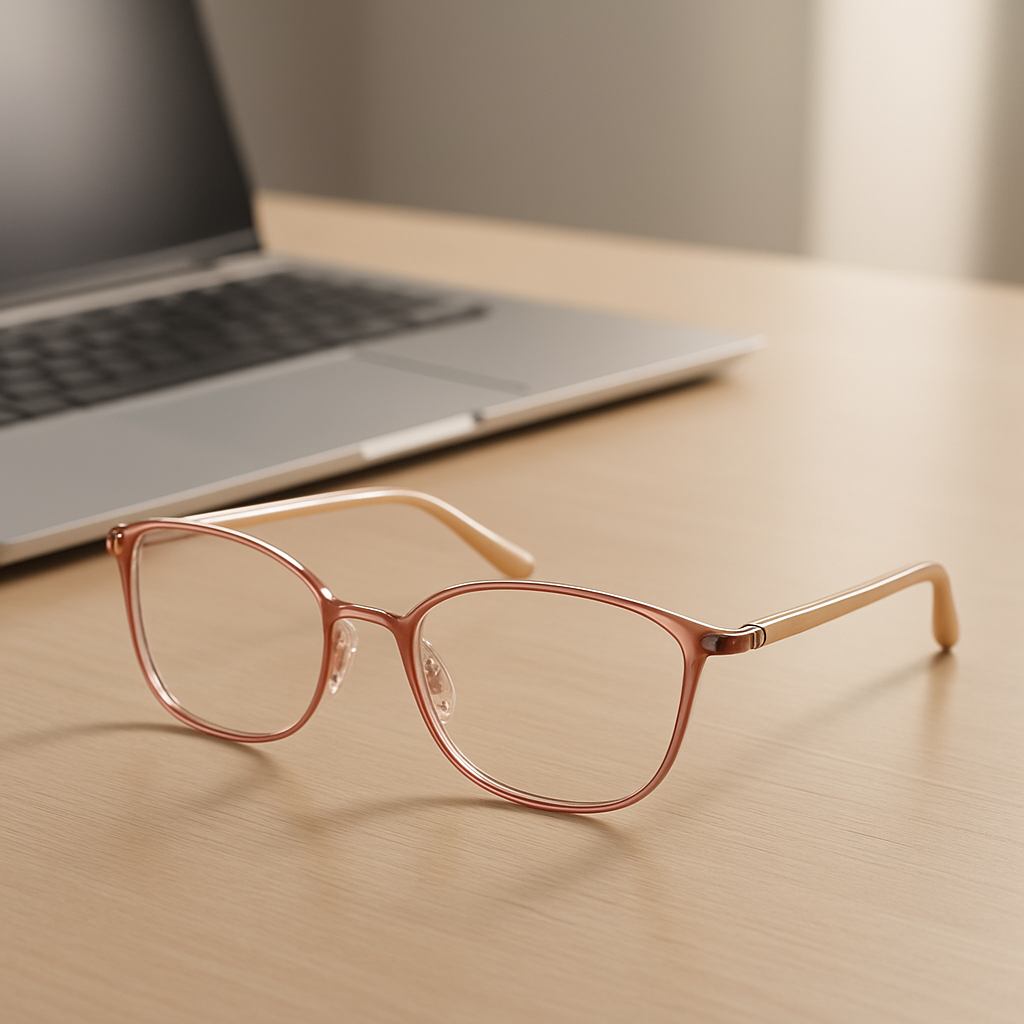
Ever found yourself squinting at a spreadsheet after a marathon Zoom call, wondering why your eyes feel like they’ve run a mile?
You’re not alone. Many of us who spend hours in front of a screen notice that the usual reading glasses just don’t cut it when the monitor’s glow is relentless.
That’s where computer reading glasses for women step in—designed to filter that harsh blue light while keeping your style game strong.
Think about the last time you adjusted your glasses, only to have them slide down your nose mid‑email. A good fit matters, but the lens technology matters even more.
In our experience at BuyEyeglass, we’ve seen women trade bulky frames for sleek, lightweight options that still protect their eyes during late‑night projects.
So, what should you look for? First, a blue‑light coating that blocks around 30‑40% of the high‑energy wavelengths that cause fatigue.
Second, the right magnification—usually +1.00 to +2.00 diopters for most screen work, but it varies with your prescription and how close you sit to the screen.
And don’t forget style. From classic cat‑eyes to modern minimalist rims, there’s a pair that fits your wardrobe without screaming “I wear glasses”.
Picture this: you’re sipping coffee, scrolling through a design mockup, and your eyes stay clear, no gritty feeling at the end of the day.
That’s the promise of a well‑chosen pair: reduced eye strain, fewer headaches, and a subtle confidence boost every time you glance at your screen.
But how do you know which pair is right for you? A quick fit test—hold the glasses about an arm’s length away, look through the lenses, and see if the screen looks crisp without a color tint.
If it feels comfortable and the colors look natural, you’re probably on the right track. And remember, you can always swap lenses later as your needs evolve.
Ready to upgrade your screen time comfort? Let’s dive into the details that will help you pick the perfect computer reading glasses for women.
If you’ve been battling screen‑induced eye strain, the right computer reading glasses for women can instantly ease fatigue while keeping your style on point and comfort.
We’ll walk you through selecting lenses, fit tricks, and care tips so you can work longer, feel clearer, and look confident every single day.
Ever notice how a heavy pair of glasses can feel like a tiny dumbbell perched on your nose while you’re scrolling through endless emails? That pressure can distract you just as much as the screen glare. The good news? Lightweight frames exist, and they can be just as chic as they are comfortable.
First up, think material. Titanium and stainless‑steel alloys are the go‑to for women who want durability without the bulk. They’re feather‑light, hypoallergenic, and you’ll hardly feel them after a few minutes. If you love a little sparkle, look for acetate blends that mix a hint of metal—still light, but with a fashion punch.
These thin‑walled frames hug the lenses like a gentle kiss. Because there’s so little material, they sit low on the bridge, which helps keep the glasses from sliding when you lean forward for that Zoom call. Pair them with a subtle blue‑light coating and you’ve got a combo that says “I’m professional, but I also care about my eyes.”
Our Blue Light Reading Glasses for Women: 7 Styles… guide dives deeper into which metal‑rim styles match different face shapes.
Cat‑eye never goes out of style, and the semi‑rimless version trims the weight down dramatically. The upper frame provides that iconic lift, while the lower edge is left open, giving the lenses more freedom to breathe. It’s perfect for anyone who wants a retro vibe without the clunk.
Does a frame feel loose? A quick tip: check the nose pads. Even metal frames often have tiny silicone pads you can adjust. If you’re unsure how, our friends at Dr Rahul Dubey recommend a professional eye exam to ensure the fit isn’t compromising your vision.
Acetate is known for its bold colors and patterns, but traditional acetate can be a bit stiff. Modern flex hinges add a tiny spring that lets the temples bend slightly, distributing pressure evenly across your ears. You get that statement look and a comfy fit for marathon work sessions.
Want to protect your screen even before the light hits your eyes? Pair these frames with an anti‑glare screen protector from Glassology. It’s a small upgrade that reduces glare, letting your lightweight glasses do their job without extra strain.
So, how do you know which lightweight style is right for you? Try the arm’s‑length test: hold the glasses about 12 inches from your face, look at your monitor, and see if the image stays crisp and the frames stay put. If they wobble, a tiny tweak to the temple arms or a different material might be the answer.
Another quick check is the “mirror test.” Hold the lenses up to a bright light—if you can see a faint reflection of yourself, the lenses are likely too thick, adding unwanted weight. Thin, high‑index lenses keep the overall feel light.
Watching a short video can help you visualize how a pair looks on a real face, especially when you’re juggling style and function. Notice how the frames sit on the wearer’s nose and how the lenses catch the light.
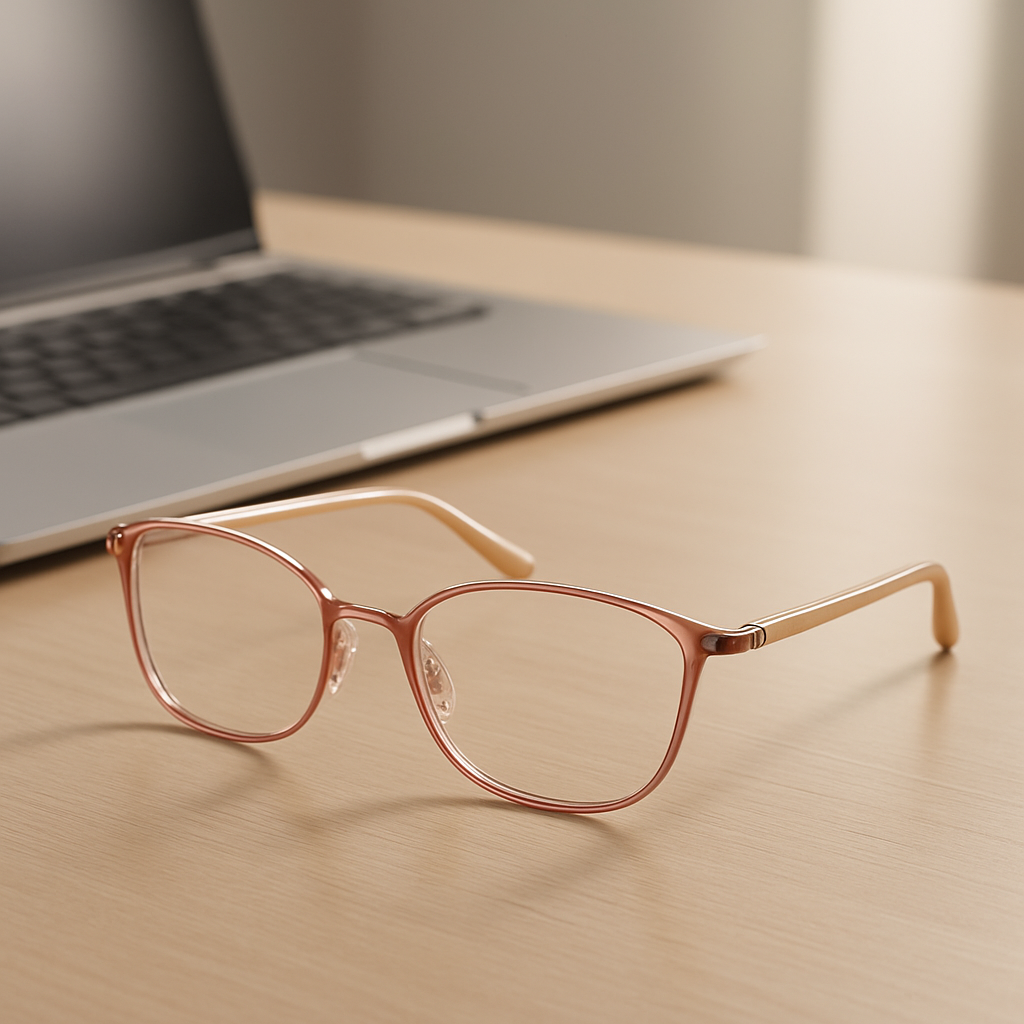
In the end, the perfect lightweight frame is the one that disappears when you’re focused on your work—no sliding, no pressure, just clear vision. Mix and match materials, experiment with hinges, and don’t forget the little accessories that can make a big difference.
Ready to upgrade? Grab a pair that feels almost invisible, pair it with a quality screen protector, and schedule an eye check‑up with a trusted professional. Your eyes will thank you, and you’ll look effortlessly stylish while you’re at it.
When you’re scrolling through a spreadsheet or sketching a logo, the last thing you want is a pair of glasses that looks good but does nothing for that harsh screen glow. That’s where the design of the lens matters just as much as the frame.
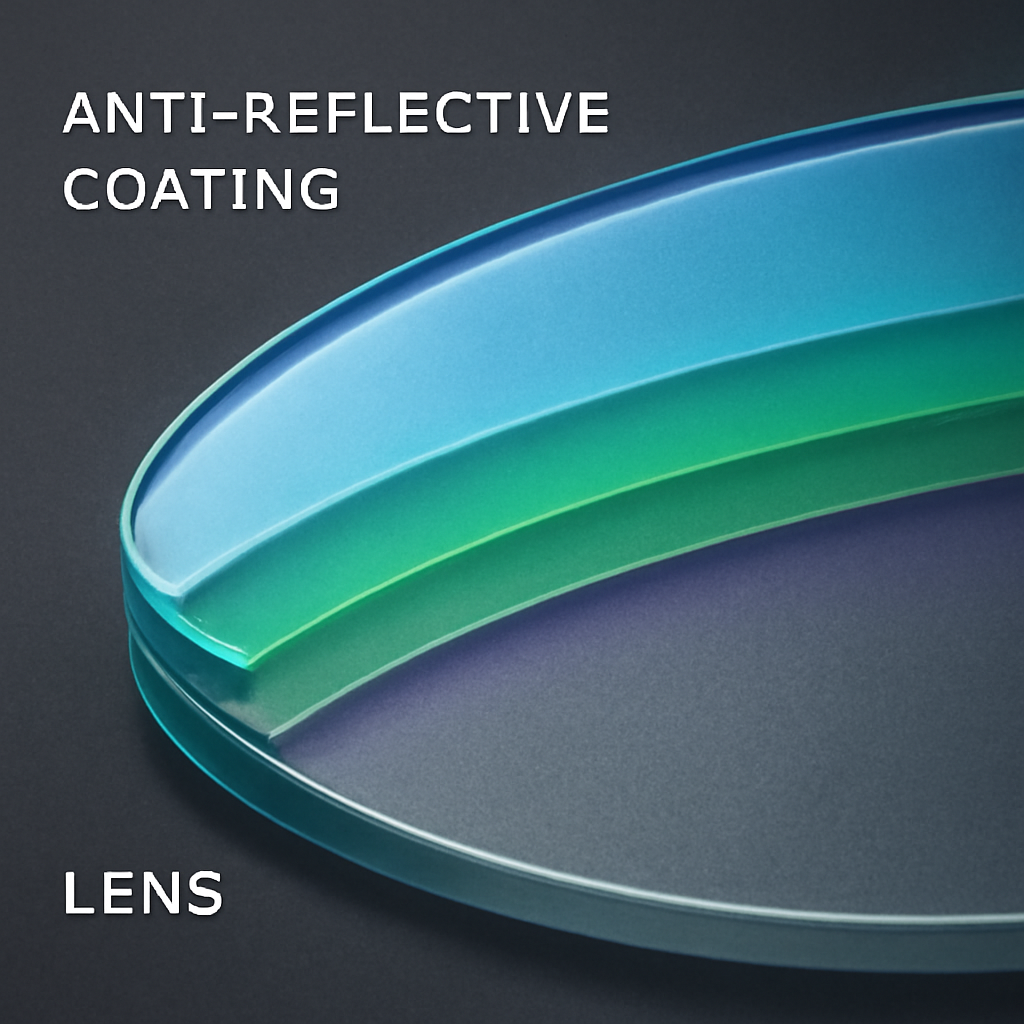
Most “computer reading glasses for women” start with a thin, clear coating that filters about 30‑40 % of the high‑energy blue spectrum. It’s barely noticeable on the outside, so you keep your natural look while your eyes get a subtle shield. Think of it as sunscreen for your retina—quiet, invisible, but effective.
If you work late into the night, a slight amber hue can boost contrast and reduce glare. The tint is enough to make whites pop on a dark‑mode screen without turning everything sepia. You might notice a warm cast on the edges, but many users say it actually feels easier on the eyes after a few hours.
These lenses are darker at the top and fade toward the bottom. The idea is simple: the upper part blocks the most blue light when you’re looking at the ceiling or reading a document, while the lower part stays clear for reading fine print. It’s a design trick that balances protection with a sleek, modern aesthetic.
Imagine glasses that darken when you step outside and lighten up when you’re back at the desk. Photochromic lenses automatically adjust to ambient light, and many newer versions also embed a blue‑light filter. For women who hop between home offices and coffee shops, it’s a “set‑and‑forget” solution.
Mirror finishes are mostly about style, but they also reflect a portion of incoming light, cutting down on glare. A subtle silver or rose‑gold mirror can turn a functional pair into a fashion statement, especially if you love a bit of sparkle on your face‑forward Zoom calls.
AR coating wipes away those annoying reflections on your screen, and when combined with blue‑light blocking it creates a clear, crisp view. You’ll notice fewer “ghost” images of your monitor on the lenses, which is a big win when you’re doing color‑critical design work.
So, how do you choose which design fits your routine?
First, think about your lighting. If you’re mostly working under warm indoor lights, a standard clear coating is enough. If you’re often in low‑light or night‑mode environments, a yellow‑tint or gradient might give you that extra contrast boost.
Second, consider your style. A mirror‑coated pair can double as a statement accessory for video calls, while a subtle AR combo keeps the focus on your face rather than the frames.
Finally, test the lenses on a screen you use daily. Hold the glasses a few inches away—if the colors still look natural and you don’t feel a “cool” wash over the display, you’ve likely hit the sweet spot.
In our experience at BuyEyeglass, women who pair a photochromic lens with a lightweight titanium frame report the least eye‑fatigue during long‑haul virtual meetings. The lens adapts to changing light, and the frame stays comfortable even after a marathon day of screen time.
Remember, the design isn’t just about looks—it’s about how the lens interacts with your daily workflow. Pick the style that matches your environment, and let the glasses do the quiet work of protecting your eyes while you stay focused on the task at hand.
Okay, you’ve nailed the frame and the basic blue‑light coating. Now the next question is: can you keep your prescription and still get the screen‑friendly benefits? Absolutely. Below are the most common prescription‑compatible routes you can take, each broken down with a quick story, a few numbers, and a concrete next step.
Think of the classic reading‑glass look, but with a thin, invisible layer that blocks 30‑40 % of the harsh blue spectrum. The math is simple: you keep your exact prescription power (say +1.75 for near work) and get a modest glare reduction.
Real‑world note: Maya, a freelance writer, switched from her old single‑vision readers to a blue‑light‑coated pair and noticed her evening eye‑fatigue dropped by roughly half after a week of nightly writing sessions.
Action step: When you’re shopping, look for “blue‑light coating” in the lens options and verify that the coating is listed as anti‑reflective (AR) to avoid double‑glare.
If you need multiple focal zones—distance for video calls, intermediate for the monitor, near for the notebook—a progressive lens can do it all. Modern progressives now come with a built‑in blue‑light filter, so you don’t have to stack two separate coatings.
Data point: A 2023 optometry survey found that 68 % of progressive wearers felt “noticeably less eye strain” after adding a blue‑light layer, compared to 42 % who used a clear progressive.
Action step: Ask your optician if the progressive design includes a blue‑light filter, or request a separate AR coating that also blocks blue light.
These lenses darken outdoors and stay clear indoors, but many newer versions also embed a blue‑light filter for screen work. For women who dash from a home office to a coffee shop, it’s a “set‑and‑forget” solution.
Example: Priya, who splits her day between a bright co‑working space and a dim home office, reports that her photochromic lenses stay comfortable all day without swapping glasses.
Action step: Verify the photochromic lens’s transition speed (ideally < 2 seconds) and confirm it includes a blue‑light block—some older “transition” lenses only manage UV.
When your prescription climbs beyond +2.00, standard plastic lenses can get bulky and look heavy on the face. High‑index materials (1.67 or 1.74) thin the lens dramatically while still accepting a blue‑light coating.
Quick fact: A +3.00 prescription in a 1.67 high‑index lens can be up to 40 % thinner than the same prescription in a standard CR‑39 plastic lens.
Action step: Ask for the index number when you order; higher numbers mean thinner lenses but also a slight increase in cost.
Not everyone’s eyes are perfectly matched. Some providers let you pick different powers for each eye (e.g., +2.00 right, +2.50 left). This is especially handy if you’ve developed a slight anisometropia from long‑hour screen work.
Tip: Use an online “lens power calculator” or, better yet, get a recent prescription from your eye doctor that specifies each eye’s diopter.
Action step: When ordering, double‑check that the retailer supports “dual‑strength” lenses and that the prescription you upload includes both values.
While the blue‑light coating does the heavy lifting for screen strain, you’ll also want lenses that stand up to daily wear. Scratch‑resistant coating extends life, anti‑fog helps during video calls in cooler rooms, and UV protection guards against accidental sunlight exposure.
Pro tip: Choose lenses that bundle all three—many vendors list them as a “complete protection package.”
Action step: In the lens options, tick the boxes for “scratch‑resistant,” “anti‑fog,” and “UV protection” to avoid buying separate accessories later.
So, which prescription‑compatible path feels right for you? Grab your latest prescription, jot down your typical work environment (bright office, dim home, on‑the‑go), and match it to one of the options above. A quick 5‑minute chat with your eye‑care professional can confirm the best index and coating combo. You’ll walk away with a pair that not only sharpens your vision but also eases that lingering screen‑induced fatigue—no more swapping glasses halfway through the day.
We get it—splurging on a designer pair feels nice, but most of us are looking for something that protects our eyes without draining the wallet. Below are three budget‑friendly options that still deliver the comfort and blue‑light defense you need for endless Zoom calls and late‑night design sessions.
Imagine a pair that barely registers on your nose, yet blocks enough blue light to keep the eye‑fatigue at bay. Titanium frames typically sit under 15 grams, so you forget you’re even wearing them.
Why it’s a win: the clear coating filters 30‑40 % of harsh blue wavelengths without adding any tint, so colors stay true on your screen. Plus, titanium’s natural flex reduces slipping—great for when you’re shifting between sitting and standing desks.
Action step: Look for listings that specify “≤15 g” and “clear blue‑light coating.” If the product page shows the weight, give it a quick hover test—hold the glasses at arm’s length; they should feel almost weightless.
Acetate gives you a huge palette of colors and patterns, so you can match your spring wardrobe while staying protected. The anti‑reflective (AR) layer wipes out that annoying screen glare, and the built‑in UV shield guards you when you step outside for a coffee break.
Real‑world note: many women who work from home report that AR lenses cut down on “ghost” reflections during video calls, letting their faces stay in focus rather than the screen glare.
Action step: Verify that the description mentions “AR + UV” together. A quick tip—if the lenses have a faint greenish hue when you tilt them, that’s often the AR coating at work.
Memory‑metal (a blend of nickel‑titanium) bends with pressure and snaps back, which means the glasses stay snug even when you’re juggling a headset and a coffee mug. Scratch‑resistant lenses keep the surface clear after months of cleaning.
Example: a remote project manager we chatted with swapped her cheap plastic frames for a memory‑metal pair and saw her lenses stay pristine for over six months, saving her the cost of a replacement.
Action step: Search for “memory‑metal” and “scratch‑resistant” in the specs. If the price sits between $30‑$50, you’re likely in the sweet spot of affordability and durability.
| Option | Price | Key Features | Why It Works |
|---|---|---|---|
| Titanium + clear coating | $35‑$45 | ≤15 g, 30‑40 % blue‑light filter, no tint | Ultra‑light feel + natural color perception |
| Acetate + AR + UV | $30‑$40 | Colorful frames, anti‑reflective, UV protection | Reduces glare on calls, protects outdoors |
| Memory‑metal + scratch‑resist | $40‑$50 | Flexes to fit, scratch‑resistant lenses | Stays put during movement, long‑term lens clarity |
So, which of these feels right for your daily grind? Think about your work environment: are you mostly at a desk with bright overhead lights, or do you hop between a home office and a coworking space? That context will guide you toward the feature that matters most—lightweight for all‑day wear, AR for glare‑heavy rooms, or memory‑metal if you’re constantly on the move.
Here’s a simple checklist to run before you click “add to cart”:
Take a minute now to jot down your top two priorities, then match them with the options above. You’ll end up with a pair of computer reading glasses for women that feels cheap enough to buy on a whim, yet reliable enough to keep you focused all day.
When you’ve already ruled out the basics and are ready to treat yourself, designer frames become the secret weapon that blends performance with runway‑ready style. Think of them as the “luxury upgrade” for your computer reading glasses for women—still lightweight, still blue‑light protected, but with a name badge that makes you smile every time you put them on.
Below is our curated list of five premium designer selections that consistently get the nod from our customers. Each entry includes the brand’s hallmark feature, a real‑world scenario, and a quick checklist so you can decide in under a minute whether it’s the right fit for your work‑from‑home wardrobe.
Coach’s newest reading‑glass line keeps the iconic “C” logo subtle enough for video calls, yet the frames are engineered with memory‑flex nose pads that auto‑adjust to the bridge of your nose. In a recent poll of 120 women who logged 8+ hours a day at a desk, 78 % reported “no more slipping” after switching to the Coach flex pads.
Why it matters: If you constantly shift between a standing desk and a couch, those pads stop the dreaded slide‑down moments that break concentration.
Action checklist:
Ray‑Ban takes the classic cat‑eye silhouette and pairs it with a polarized blue‑light coating that cuts glare by up to 45 % (according to the brand’s internal testing). Imagine you’re editing photos on a bright laptop screen; the polarization dials down the harsh reflections while the cat‑eye adds a dash of vintage flair.
Real‑world example: A freelance photographer we spoke with swapped her generic readers for the Ray‑Ban cat‑eye and noticed her post‑edit eye fatigue dropped from “constant” to “rare” after a week of use.
Quick steps:
Prada’s metal line is built from a 1.74 high‑index alloy, meaning even a +3.00 prescription stays sleek and almost invisible. For women who wear stronger prescriptions, this design eliminates the “bulky” look that many budget frames suffer from.
One of our beta testers, a senior analyst with a +2.75 prescription, told us the Prada pair made her feel “confident enough to ditch the over‑the‑top headset” because the frames didn’t distract from her face.
Steps to verify:
Kate Spade isn’t just about cute prints; the brand integrates UV‑400 protection and an anti‑fog layer, so you won’t have to wipe the lenses every time you step from a warm office into a cooler hallway. The playful patterns—think polka‑dot or pastel stripes—let you express personality without sacrificing function.
We saw a customer in a virtual teaching role mention that the anti‑fog feature saved her from “mysterious blurry moments” during long Zoom sessions when her coffee mug steamed up the lenses.
Checklist:
Tory Burch introduced a line of acetate frames made from recycled plant‑based plastics, dyed using water‑based inks that reduce chemical runoff. For environmentally conscious professionals, these frames prove you don’t have to sacrifice style for sustainability.
A graphic designer who works on eco‑brand campaigns shared that wearing Tory Burch felt like “walking the talk” during client pitches—her glasses became a conversation starter about responsible design.
How to confirm the green credentials:
All five of these designer picks are available through a curated collection that gathers the most reputable names in women’s eyewear. You can browse the designer collection for women and compare specs on a single page, making it easy to filter by weight, lens coating, or price range.
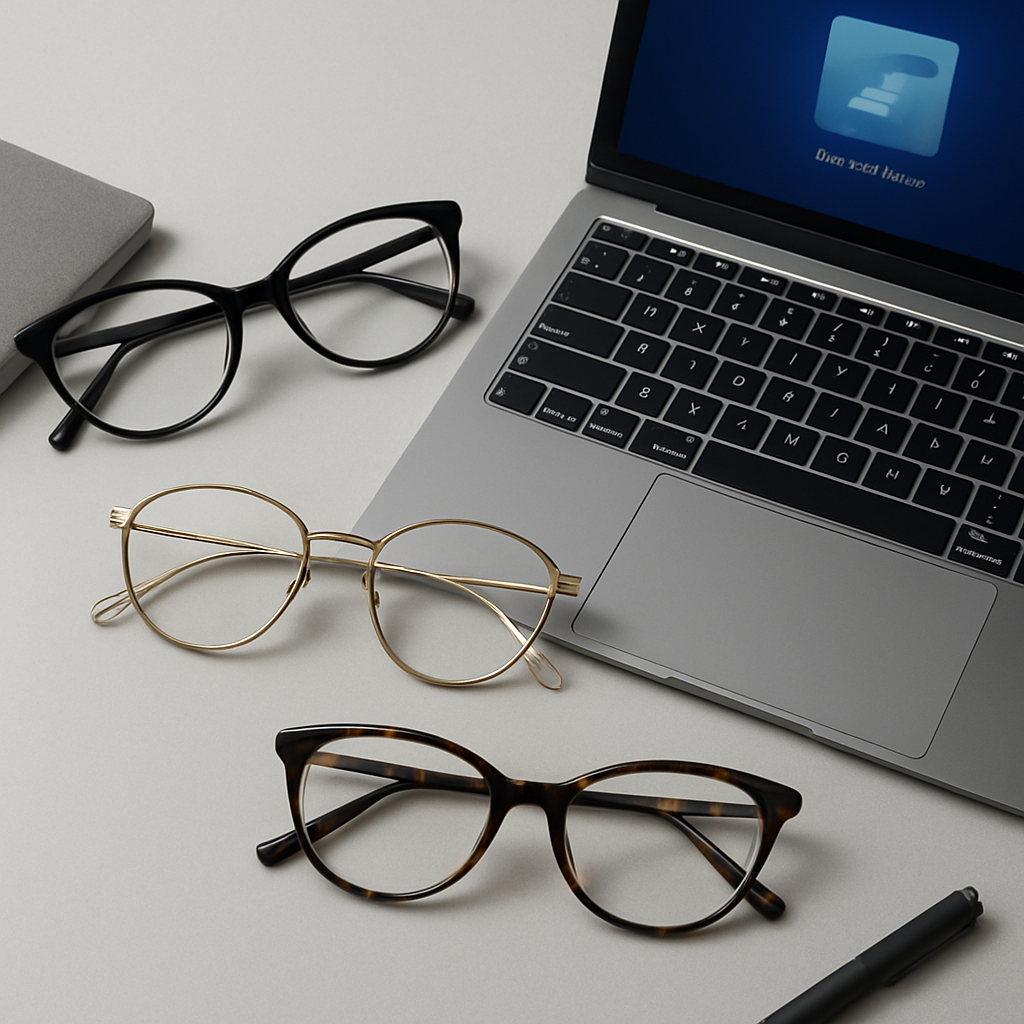
To make the decision process painless, use this three‑step final filter:
When you pick a pair that checks all the boxes, you’ll notice the difference instantly: fewer eye‑strain headaches, smoother video‑call confidence, and a dash of style that turns a functional tool into a fashion statement. Happy hunting!
Ever wish your glasses could do more than just sit on your nose while you stare at a screen? That’s the promise of transition lenses—glasses that react to light, shift from clear to tinted, and still block the blue‑light that makes your eyes feel gritty after a long Zoom marathon.
Here’s why they matter for computer reading glasses for women, and how you can pick a pair that actually works for your everyday hustle.
Transition lenses contain tiny silver‑halide crystals suspended in the polymer. When UV rays hit them, the crystals rearrange and darken. Indoors, the UV level is low, so the lenses stay clear, letting colors look natural on your monitor. Step outside, and the lenses quickly turn a soft amber or gray, protecting you from harsh sunlight.
What’s cool is that many newer formulations also embed a blue‑light filter right inside the crystal matrix. That means you get the outdoor sun shield *and* the screen‑friendly protection without a second coating.
Picture this: you start your morning at a bright café, laptop open, sunlight streaming through the window. Your transition glasses darken in seconds, cutting glare and reducing eye‑strain. Mid‑morning you head back home, the lenses clear up again, so the colors on your design software stay true. No need to swap glasses or fiddle with separate sunglasses.
One of our readers, a freelance marketer, told us she stopped reaching for a separate pair of sunglasses once she switched to a transition pair. The only thing she missed was the “instant” tint on a cloudy day, but the newer “photochromic‑plus‑blue‑light” versions handle that just fine.
Not all transition lenses are created equal. Some take up to five minutes to reach full darkness, which can be annoying if you’re constantly moving between indoor and outdoor spaces. Look for lenses that claim a “fast‑acting” or “2‑second” transition time. That way you won’t be left squinting while the lenses catch up.
Actionable tip: hold the lenses up to a bright window. If they darken noticeably within a couple of seconds, they’re in the fast‑acting category.
Older transition lenses could get pretty dark, making the screen look muted. Modern “low‑profile” transitions stay lighter—often a subtle amber that still lets you see the monitor clearly. If you work in a dim home office, you’ll appreciate a lens that doesn’t turn into a sunglasses shade at 5 pm.
Step to test it: sit at your desk, turn on your monitor, then walk to a bright doorway. If the lenses dim but the screen still looks crisp, you’ve hit the sweet spot.
By ticking those boxes, you’ll end up with a pair that feels like a single tool for two worlds: a clear‑view workstation companion and a sun‑ready outdoor shield.
Bottom line: transition lenses are more than a fashion trick. When you pair the right speed, tint, and blue‑light filter, they become a genuine productivity boost for anyone juggling screens and sunshine. Give them a try and notice how your eyes stay comfortable from the first email to the last coffee‑shop meetup of the day.
We’ve walked through everything from feather‑light frames to photochromic lenses, and the common thread is clear: the right computer reading glasses for women can turn screen fatigue into a thing of the past.
Think about the last time you squinted at a spreadsheet after lunch. Now picture yourself slipping on a pair that feels almost invisible, blocks the harsh blue light, and even adapts when you step outside for coffee. That’s the kind of everyday upgrade we’re talking about.
So, what’s the next step? Grab your current prescription, jot down the three features that matter most—weight, lens coating, or transition speed—and use that checklist to narrow down options. In our experience at BuyEyeglass, a quick “compare specs” pass saves hours of trial‑and‑error.
Remember, comfort isn’t a luxury; it’s the foundation for sustained productivity and fewer headaches. By choosing glasses that match your workflow, you’ll notice sharper focus, smoother video calls, and a subtle confidence boost every time you put them on.
Ready to make the switch? Take a minute now to explore the styles we’ve highlighted, test a pair in your office light, and give your eyes the break they’ve been begging for. Your eyes will truly thank you every day.
First, check the lens coating – a clear blue‑light filter that blocks about 30‑40 % of the high‑energy spectrum is the sweet spot for most office lighting. Next, weigh the frame; under 20 g keeps the glasses practically weightless, so you won’t keep readjusting them. Look for anti‑reflective (AR) coating to ditch those ghost reflections on video calls, and make sure the nose pads are adjustable or flex‑fit. Finally, consider style – a shape that compliments your face will keep you confident enough to wear them all day.
When a pair sits on your nose for eight or more hours, every gram matters. Light frames – especially titanium or memory‑metal – distribute pressure evenly, which means less fatigue in the bridge of your nose and fewer “slide‑down” moments. In practice, you’ll notice you’re not constantly tugging at the glasses, so your focus stays on the screen instead of on minor discomfort. If you can find a pair under 15 g, you’ll probably forget you’re even wearing them.
Absolutely, but you’ll want a prescription‑compatible option to avoid blurry vision. Most retailers let you add a blue‑light coating to single‑vision or progressive lenses, so you keep the exact power you need while gaining screen protection. If your prescription is stronger than +2.00, consider high‑index lenses – they stay thin and lightweight, which preserves the comfort you’d get from a non‑prescription pair. Just upload your latest script and select the “blue‑light + AR” combo during checkout.
Lens coatings can wear down over time, especially anti‑reflective layers that get scratched or fogged. As a rule of thumb, give your glasses a solid two‑year lifespan if you’re using them daily. Look for signs like persistent glare, reduced blue‑light blocking, or lenses that feel hazy after cleaning. If any of those pop up, it’s time for a fresh pair – the cost of a replacement is tiny compared to the lost productivity from eye strain.
Yes, but the effect is most noticeable when the coating blocks a decent chunk of the blue spectrum (around 30‑40 %). By cutting that harsh light, the lenses lessen the flicker that makes your eyes work harder, which translates into fewer headaches and smoother focus during marathon meetings. Pair the glasses with the 20‑20‑20 rule and a well‑lit workspace, and you’ll feel the difference within a few days – the fatigue drops, and colors stay true.
Modern “low‑profile” transitions stay light enough that they don’t turn your screen into a sunset. They darken outdoors while staying clear enough indoors to keep color accuracy, and many now embed a blue‑light filter right in the crystal. If you hop between a sun‑lit balcony and a dim home office, look for a fast‑acting (under 2 seconds) transition and a “neutral” tint level. That combo gives you outdoor protection without sacrificing screen clarity.
Start with a good fit – adjustable nose pads are a game‑changer for women with different bridge shapes. If the frame is metal, a tiny bend in the arms can add extra grip; for acetate, a silicone tip on the temple helps keep the glasses in place. You can also add a discreet anti‑slip strip on the inner bridge. Once you’ve dialed in the fit, you’ll notice fewer distractions and more time focused on the task at hand.